Soundswap
This section covers the usage of :sound: in order to change the audio on in-game assets.
Table
| Part | Swappable Sounds |
|---|---|
| Piston Engine | 0: Idle 1: Low 2: Mid |
| Turbine Engine | 0: ABRear 1: DistantAB 2: DistantRear 3: MediumRear 4: IdleRear 5: IdleFront 6: IdleFront (1) 7: IdleFront (2) 8: DistantFront 9: Intake 10: Buzz 11: CompressorStall |
| Speaker | 0: Sound |
| Propeller | 0: Propeller Sound |
| Rotor | 0: Rotor Low 1: Rotor High |
| Tail Rotor | 0: Tail Rotor |
| Gun | 0: Gun Main 1: Gun Bullets 2: Gun Motor 3: Gun End |
Tutorial
In the Craft folder
In Flyout's Appdata Directory / Craft / Your Aircraft folder, create a folder named sounds
Every folder inside of sounds/ will be a different sound.
What you name the folders inside shouldn't matter, but for clarity its best to keep it simple.
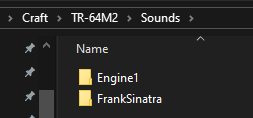
I have two different sounds here, FrankSinatra and Engine1, we will care about Engine1 in this case.
The audio files
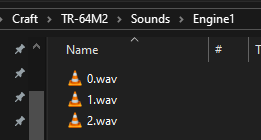
The system takes .wav files
Each audio file has to be named appropiately, the system looks for a matching name to swap a matching sound, it uses a numeric system.
For example, speakers only have one sound, thus 0.wav is what you would name the file.
To find out the number for the specific sound effect, check the table.
Part naming
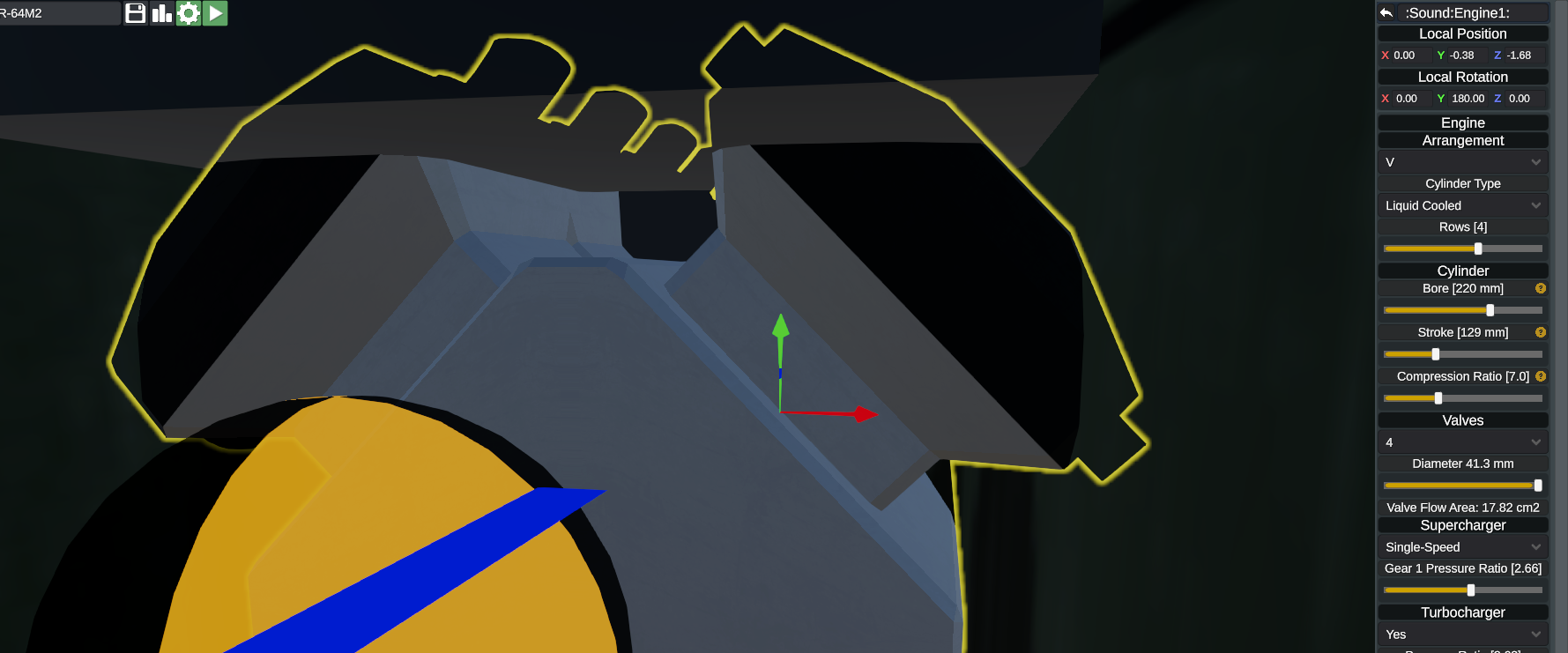
The part that you are swapping the sound on should contain sound:your ID: i.e sound:FrankSinatra: or sound:Engine1: